
us3ui
Universal Storage Browser for S3, SFTP and FTP
A focused, native file manager for S3 buckets, SFTP and FTP servers. Browse, upload, and share files with one fast UI built for daily operations on MinIO, Ceph, AWS, your own servers, and more.
Universal Storage Browser for S3, SFTP and FTP
A focused, native file manager for S3 buckets, SFTP and FTP servers. Browse, upload, and share files with one fast UI built for daily operations on MinIO, Ceph, AWS, your own servers, and more.
us3ui is designed for operators and developers who need a fast, no-frills way to work with object storage and file servers every day.
Connects to standard S3 services including MinIO, Ceph, AWS, and providers like Hetzner, OVH, or Scaleway.
Browse SFTP servers with password or private key login and verified host keys, and FTP servers with optional TLS (FTPS) and SOCKS5 proxy support.
Built with Go and MyGo for speed. A compact native app that starts instantly without the overhead of web technologies.
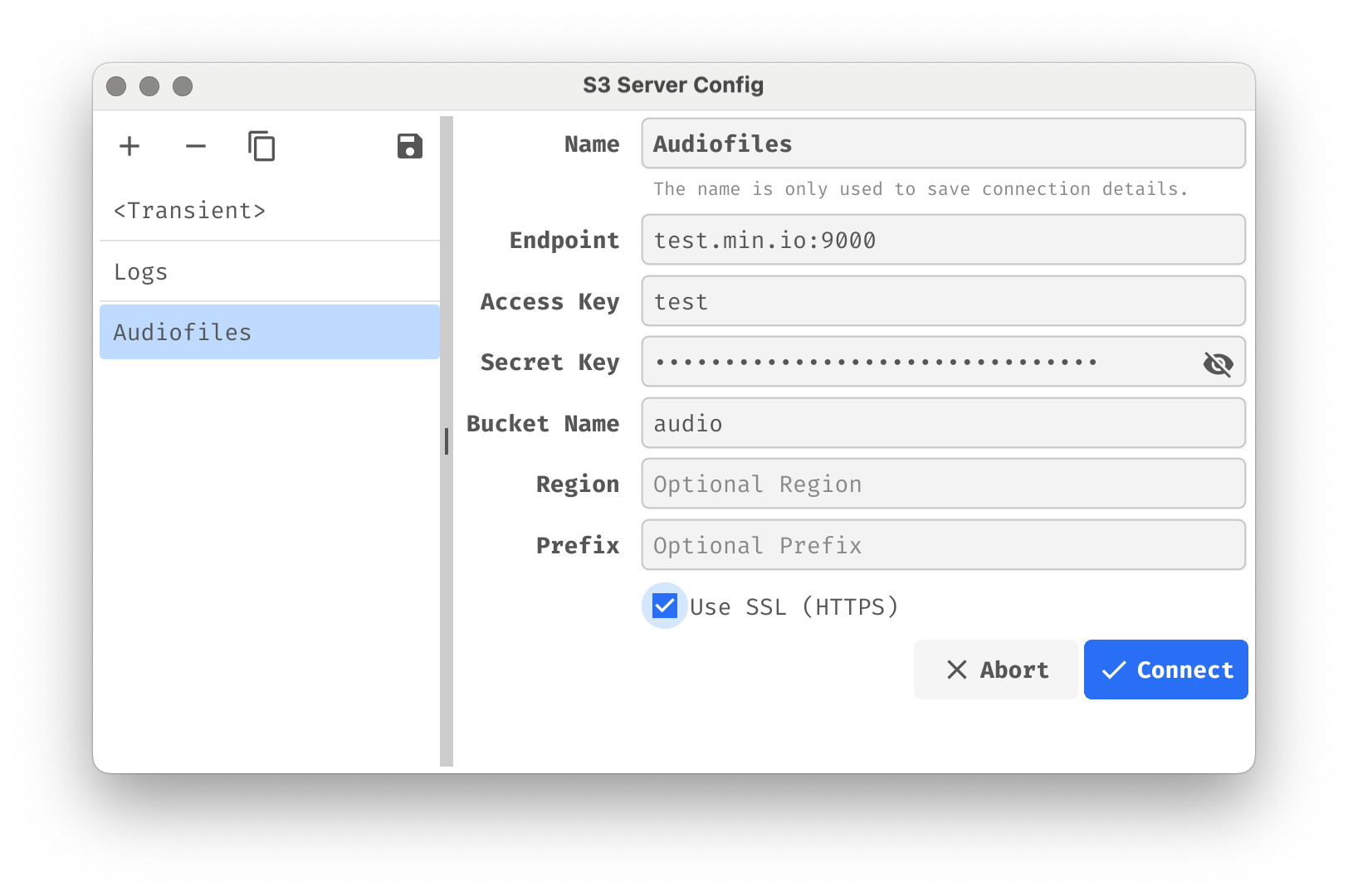
Store connections for multiple buckets, services and servers of any protocol. Switch between environments instantly. Credentials stay local.
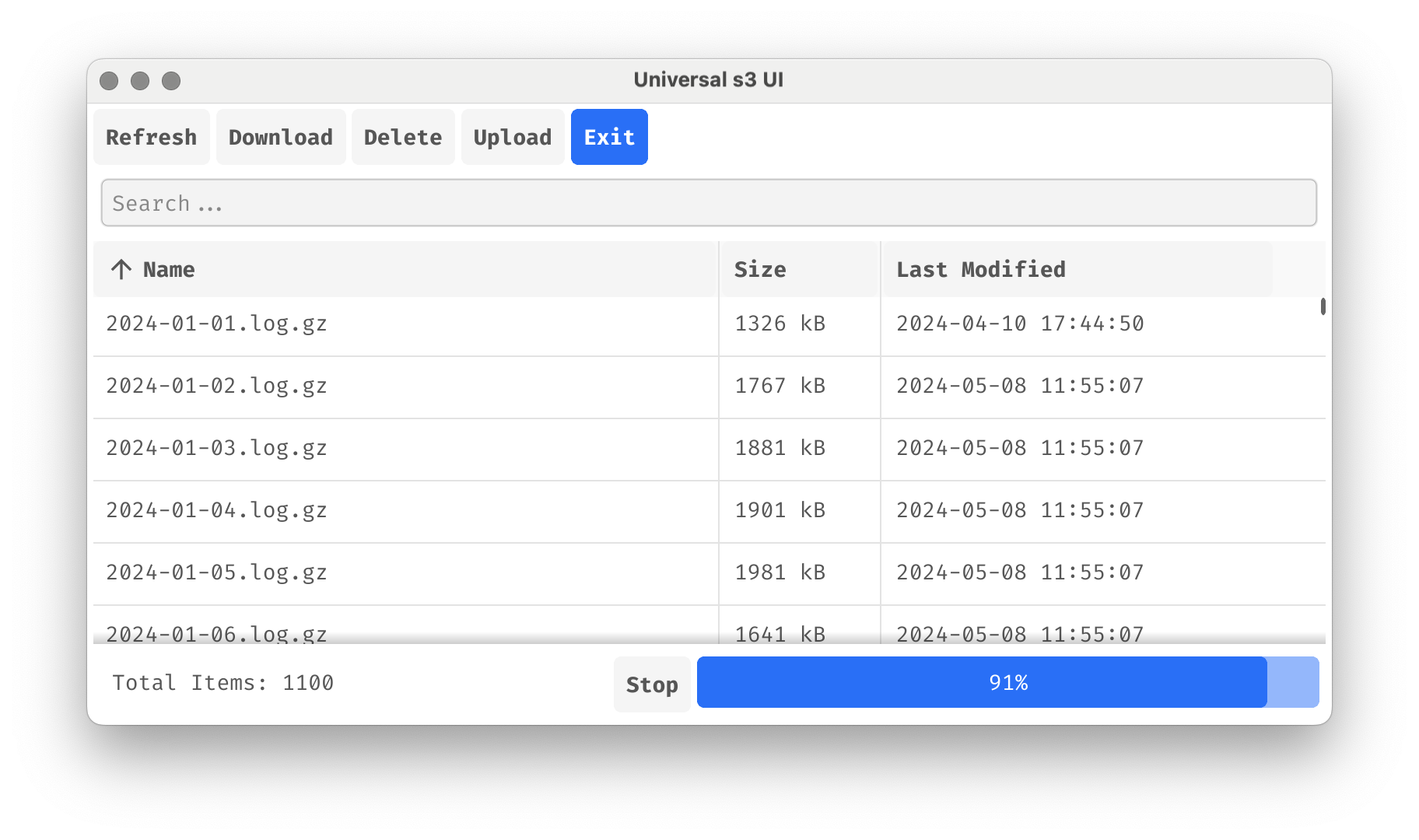
Browse, upload, download, and delete files on every protocol. Create and remove S3 buckets with clear status feedback.
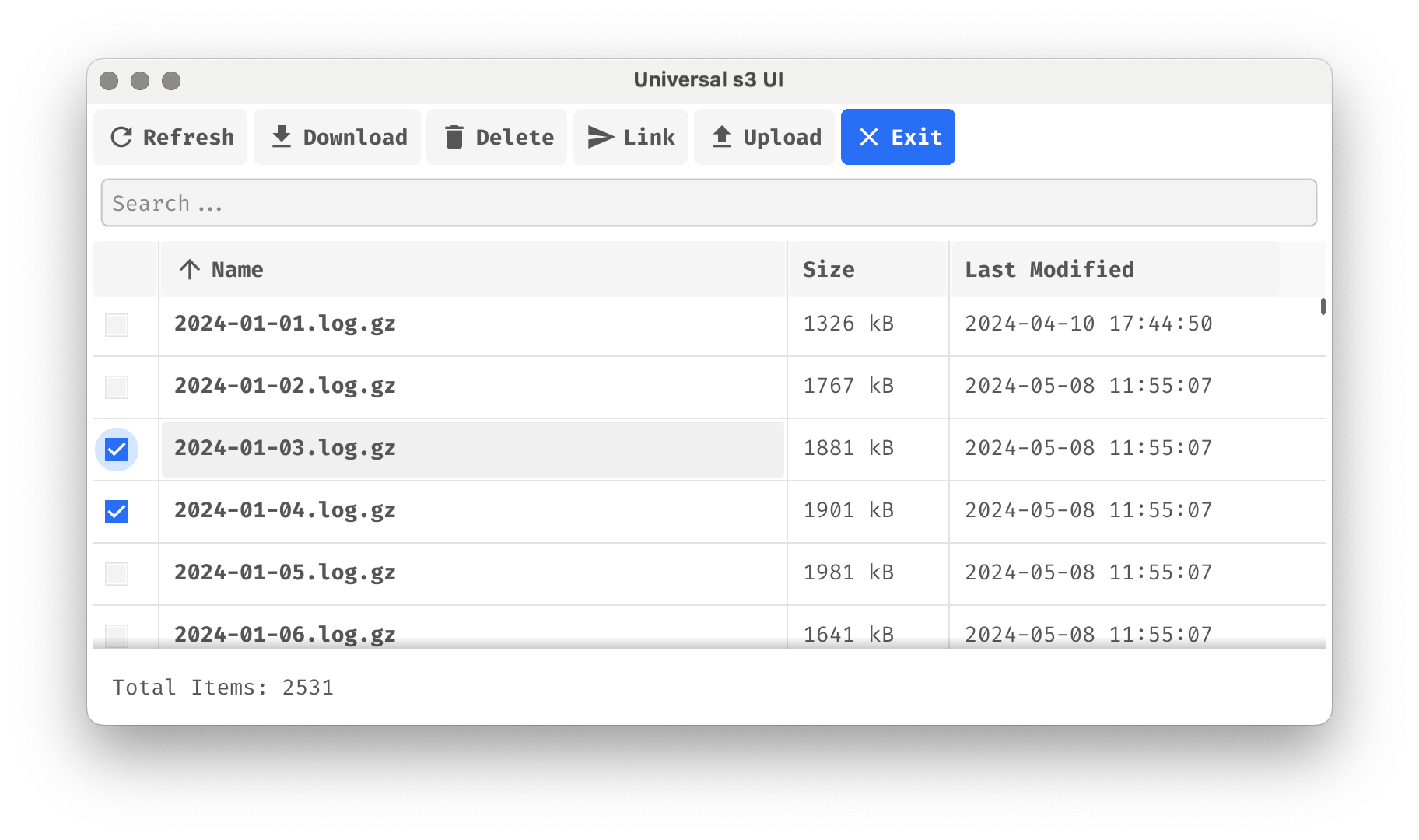
Filter large buckets and directories instantly with full-text search.
Browse a folder tree or all files at once, with sortable columns for name, size and date.
Drag files from your desktop into the app to start uploading immediately.
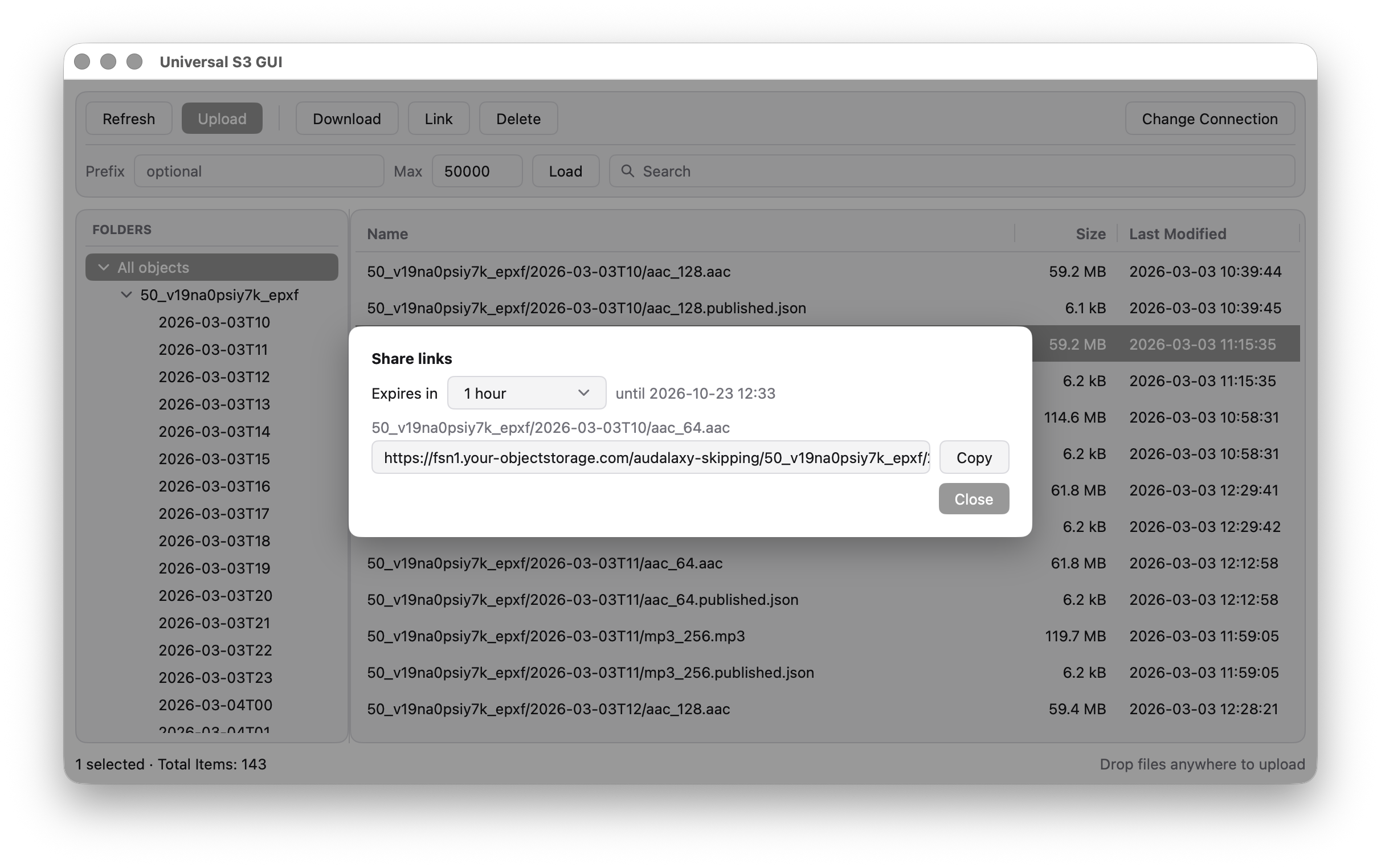
Create temporary, pre-signed URLs to share private S3 objects securely. Choose how long a link stays valid, from 15 minutes up to 7 days.
Copy files from one saved connection to another, even across protocols (e.g. FTP to S3), with a dry run first. Data streams between the two servers without touching a local disk.
Clear visual feedback for uploads, downloads, and other interactions.
Download the macOS disk image, the Windows installer or the Linux package from the latest release on GitHub. Installed apps update themselves; each update is cryptographically signed and verified before it is applied.
Builds are not yet signed with an Apple or Microsoft developer certificate, so your system may ask for confirmation on first launch. The source code and all release assets are public on GitHub; the README explains what to expect.
Connect with access keys or server logins, browse buckets, directories and files, and perform file operations. us3ui stores connection profiles locally on your machine and does not proxy your data through any servers.
Connects directly to your S3 endpoint or server. Your credentials stay on your machine, secrets in the OS keychain.
Progress indicators and logs keep uploads and downloads transparent.
Installed apps check GitHub releases and update themselves with signed update files.
No. The app connects directly to your S3-compatible endpoint, SFTP or FTP server.
Profiles are stored locally on your machine in the app's config directory. Passwords and secret keys are kept in your operating system's keychain.
It started as a Universal S3 UI. SFTP and FTP came later; the name stayed.
No. us3ui is a native desktop application focused on speed and simplicity.
Terminal-based explorer for Kubernetes Custom Resource Definitions and Custom Resources. Inspect CRD schemas, manage resources, and monitor controller health.
Visit crdlens.pteich.de →us3ui is an open source project maintained by Peter Teich.
This site uses no cookies, no analytics and no third-party fonts or scripts. Privacy policy
Review the code on GitHub: github.com/pteich/us3ui
If you find us3ui helpful, consider supporting its development through GitHub Sponsors.
Become a Sponsor